Plink Integration on PodNudge
This guide demonstrates how to access external podcast content through PodNudge's Plink integration, allowing you to view full podcast pages or browse episode listings in a new tab.
Created: October 22, 2025
Last Updated: October 22, 2025
Step 1
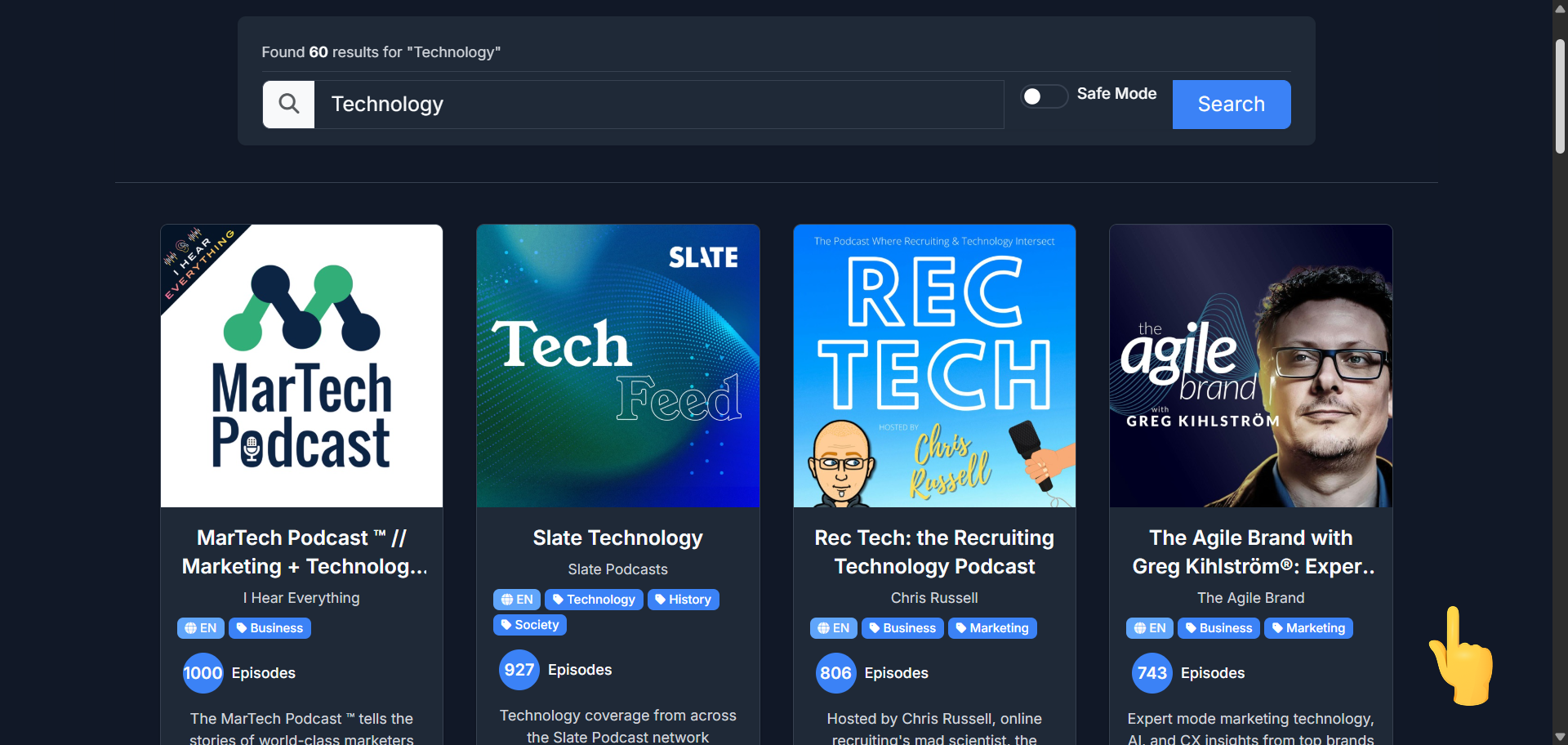
On a Search results page scroll down
Step 2
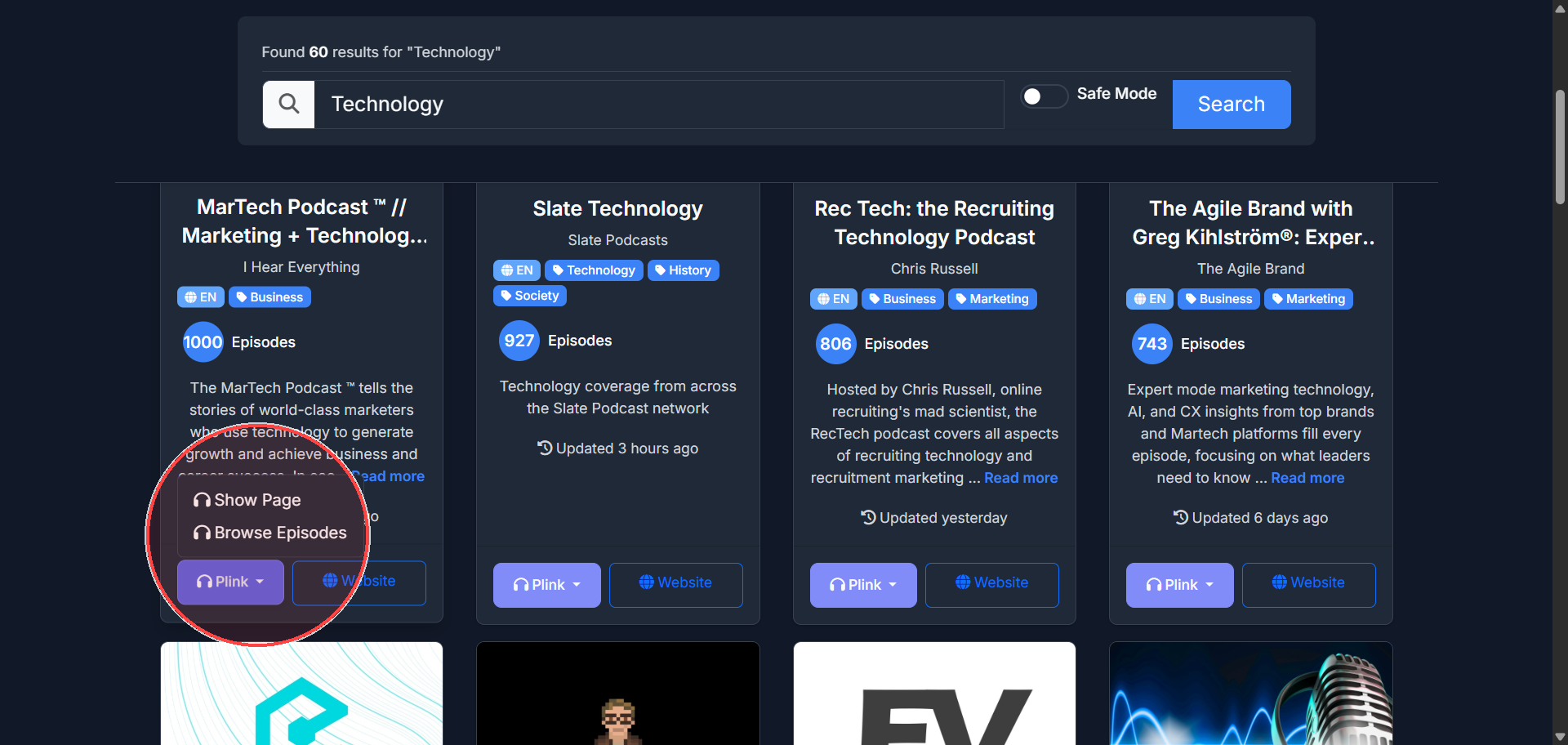
Click on 'Plink'
Step 3
Click Show Page or Browse Episodes. This will open a new tab to Plink.
Total Steps: 3
Steps generated by StepHopper - Create interactive step-by-step guides